Select the existing app.
- 01.1
Open Slack API → Your Apps.
Sign in at api.slack.com/apps ↗.
- 01.2
Select the app and workspace.
Open the app that should run Scrum Master. Confirm the workspace before changing its manifest.
Apply the recipe manifest.
The name and description are already set for Scrum Master.
- 02.1
Open Features → App Manifest.
Choose App Manifest and select the JSON tab.
- 02.2
Back up the current manifest.
Copy the existing JSON to a secure working document before changing it so workspace-specific settings can be preserved or restored.
- 02.3
Replace or merge the configuration.
Copy the manifest below. Merge it when the existing app has settings your team still needs.
- 02.4
Save the manifest.
Review Slack's change summary, then click Save Changes.
{
  "display_information": {
    "name": "AgentBarn_Scrum_Master",
    "description": "Runs sprint ceremonies, tracks blockers, and keeps the team on cadence in Slack.",
    "background_color": "#CC4400"
  },
  "features": {
    "app_home": {
      "home_tab_enabled": false,
      "messages_tab_enabled": true,
      "messages_tab_read_only_enabled": false
    },
    "bot_user": {
      "display_name": "AgentBarn_Scrum_Master",
      "always_online": true
    }
  },
  "oauth_config": {
    "scopes": {
      "bot": [
        "app_mentions:read",
        "canvases:read",
        "canvases:write",
        "channels:history",
        "channels:join",
        "channels:read",
        "chat:write",
        "chat:write.customize",
        "chat:write.public",
        "emoji:read",
        "files:read",
        "files:write",
        "groups:history",
        "groups:read",
        "im:history",
        "im:read",
        "im:write",
        "mpim:history",
        "mpim:read",
        "mpim:write",
        "pins:read",
        "pins:write",
        "reactions:read",
        "reactions:write",
        "search:read.users",
        "users:read",
        "users:read.email"
      ]
    },
    "pkce_enabled": false
  },
  "settings": {
    "event_subscriptions": {
      "bot_events": [
        "app_mention",
        "channel_rename",
        "member_joined_channel",
        "member_left_channel",
        "message.channels",
        "message.groups",
        "message.im",
        "message.mpim",
        "pin_added",
        "pin_removed",
        "reaction_added",
        "reaction_removed"
      ]
    },
    "interactivity": {
      "is_enabled": true
    },
    "org_deploy_enabled": false,
    "socket_mode_enabled": true,
    "token_rotation_enabled": false,
    "is_mcp_enabled": false
  }
}Create the app-level token.
- 03.1
Open Basic Information → App-Level Tokens.
Click Generate Token and Scopes.
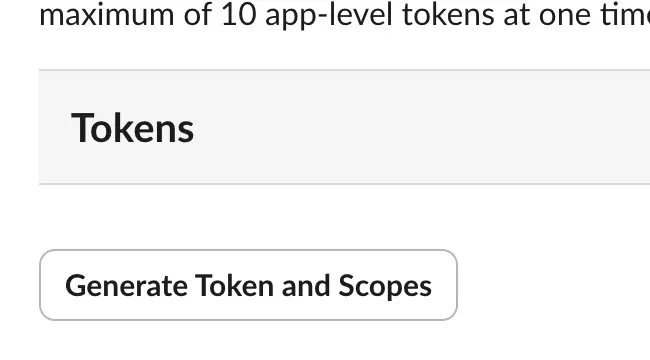
Generate Token and Scopes. - 03.2
Name the token and add the scope.
Use
AgentBarn_Scrum_Master, addconnections:write, and click Generate.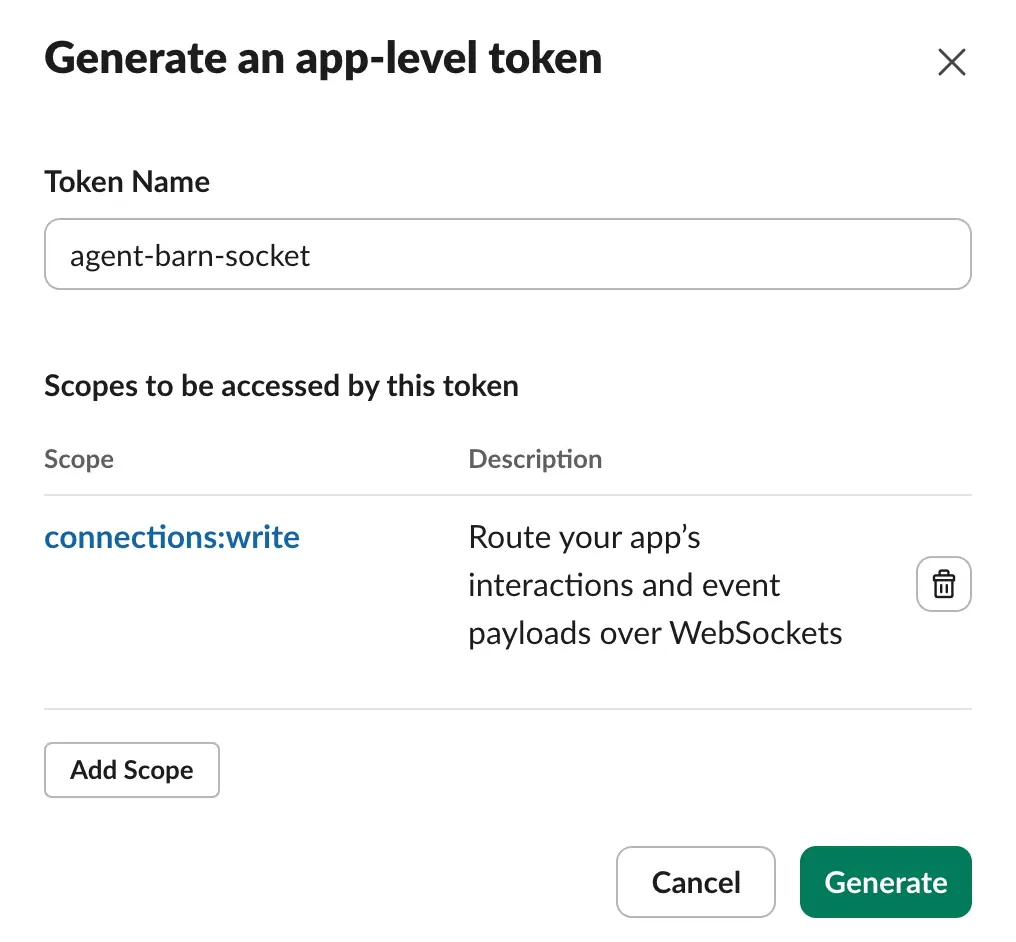
Name → connections:write → Generate. - 03.3
Copy the
xapp-value.Keep it ready for the Agent Barn App-level token field.
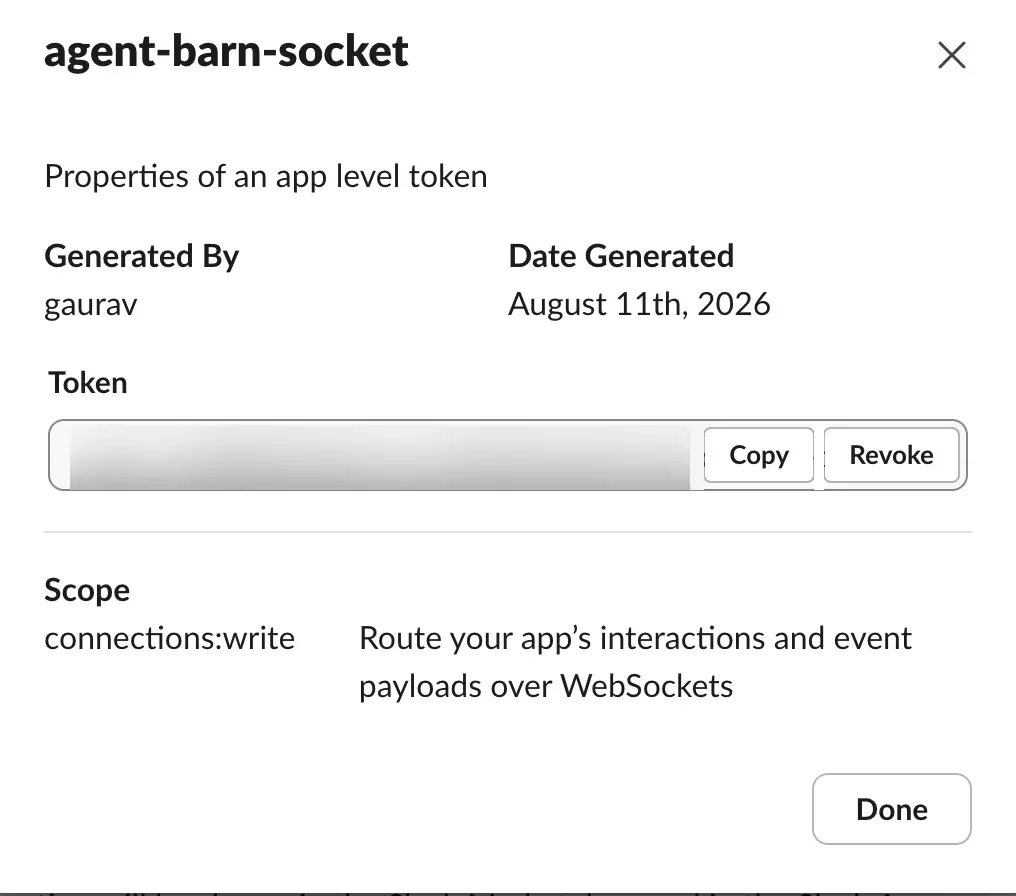
The value is blurred; use Copy.
Install the app and copy the bot token.
- 04.1
Open Install App.
Click Install to [your workspace].
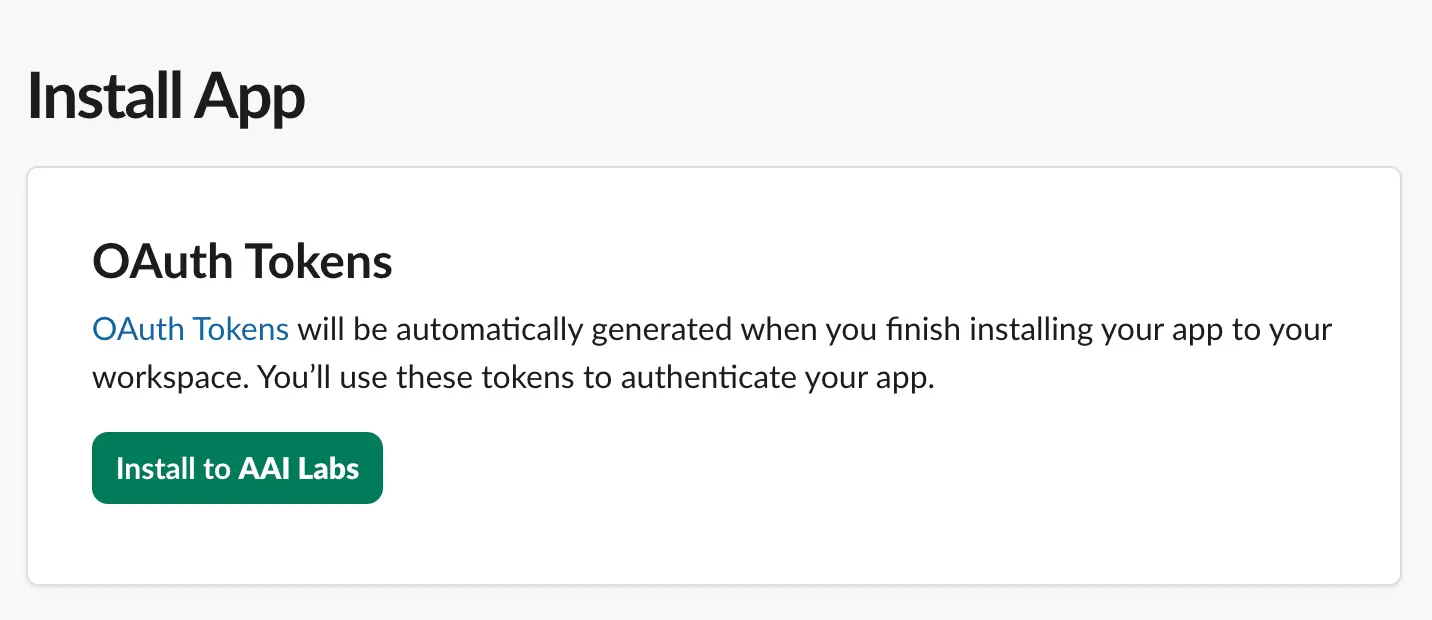
Install App → Install to workspace. - 04.2
Review the workspace and permissions.
Confirm the workspace, review the requested access, and choose Allow.
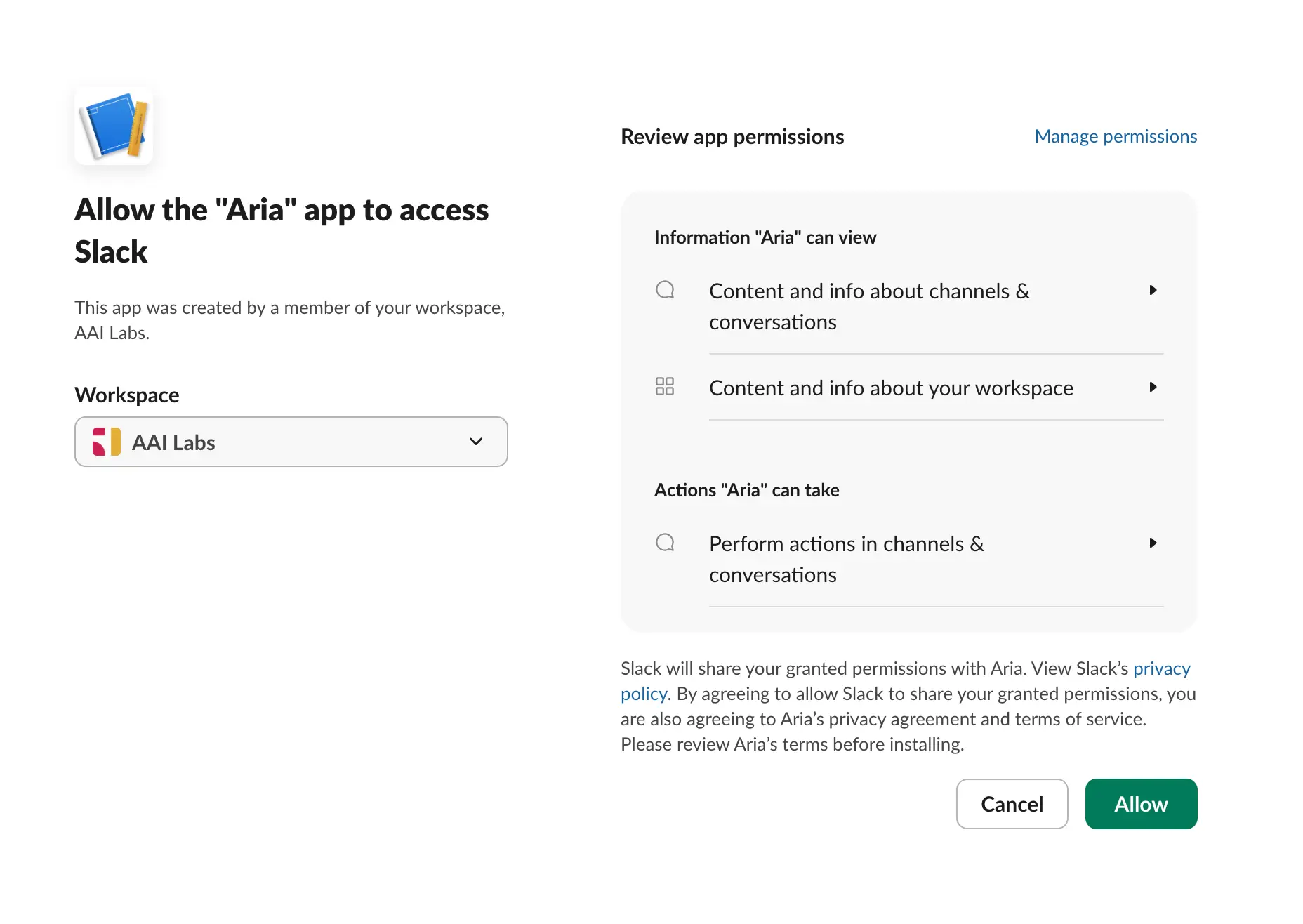
Confirm workspace → review access → Allow. - 04.3
Copy the Bot User OAuth Token.
In Installed App Settings → OAuth Tokens, copy the
xoxb-value.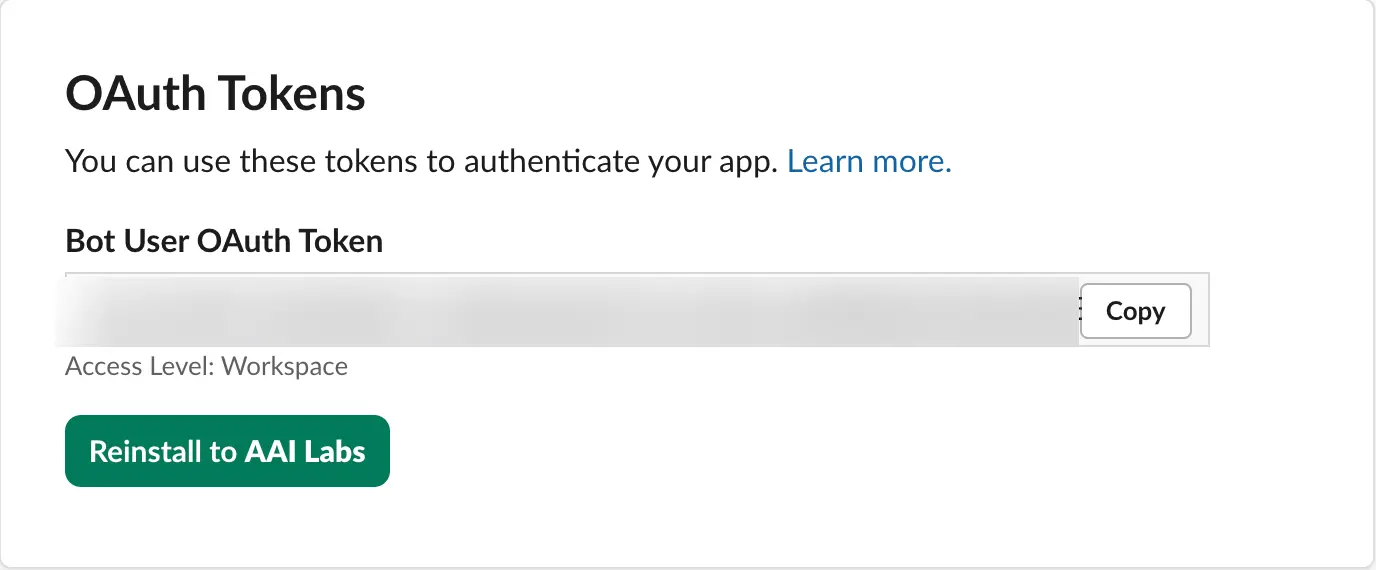
Bot User OAuth Token → Copy.
Connect both Slack values.
xapp-…Paste the value from App-Level Tokens.
xoxb-…Paste the Bot User OAuth Token.
- 05.1
Enter the values in their matching fields.
Paste the complete
xapp-andxoxb-values, then save. - 05.2
Confirm the connected app.
Check that Agent Barn resolves the expected Slack app and workspace.
Configure the agent.
- 06.1
Name the agent.
Use
AgentBarn_Scrum_Master, or another role-specific name your team will recognize. - 06.2
Select and test the model.
Choose an available model, then run one representative Scrum Master task before connecting broader access.
- 06.3
Choose command approval.

Auto · Manual · Off Auto Runs low-risk commands automatically.
Manual Asks before every command.
Off Runs without approval prompts.
- 06.4
Choose response detail.

Verbose · Concise Verbose Shows progress while working.
Concise Returns the result without step narration.
- 06.5
Configure the recipe trigger and workflow.
Trigger: A scheduled ceremony, configured work-item change, or stand-up window.
- 06.6
Apply the recipe requirements and review rule.
TemplateCeremony cadence, question format, and summary structure.
SkillsJira access for the relevant project or sprint information.
PoliciesThe Slack channels and direct-message rules for the team.
Set Slack access rules.
- 07.1
Choose channel access.

Allowlist · Open Allowlist Respond only in channels you add.
Open Respond in any channel the app can reach.
- 07.2
Choose direct-message access.

Off · Allowlist · Open Off Ignore direct messages.
Allowlist Reply only to approved people.
Open Reply to anyone who can reach the app.
- 07.3
Add and test the intended destinations.
Invite the Slack app to each allowed channel, add the same channels or people in Agent Barn, and send one test request.
Connect the skills for Scrum Master.
Jira
Read sprint, issue, assignee, status, and blocker information for the configured team.
- Credential
- An Atlassian account email, site URL, and scoped or non-scoped API token.
- Permissions
- Projects and boards: read · Issues and sprint state: read · Comments or updates: omit unless the team explicitly enables them
- Select the board, project, and active sprint sources.
- Keep write actions disabled for the initial coordination pilot.
- Validate summaries against the board before automating reminders.
- 08.1
Select only this recipe’s integrations.
Keep required skills. Where a card says “choose one,” connect the provider that owns the relevant data.
- 08.A1
Atlassian // Copy the site origin.
Use the address through
.atlassian.net; omit Jira project and Confluence space paths.
Site URL - 08.A2
Atlassian // Open API tokens.
Open Profile → Account settings → Security → Create and manage API tokens.
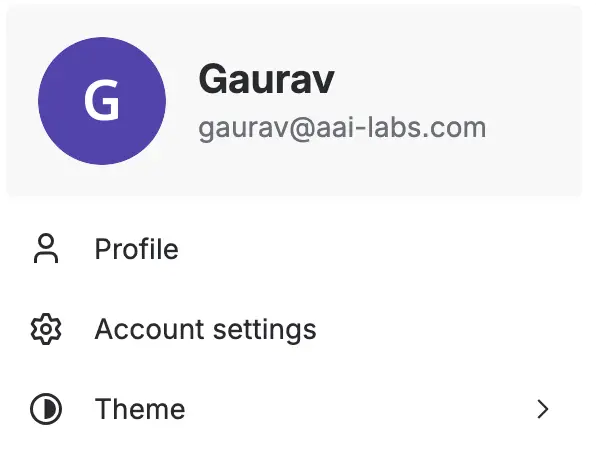
Account settings 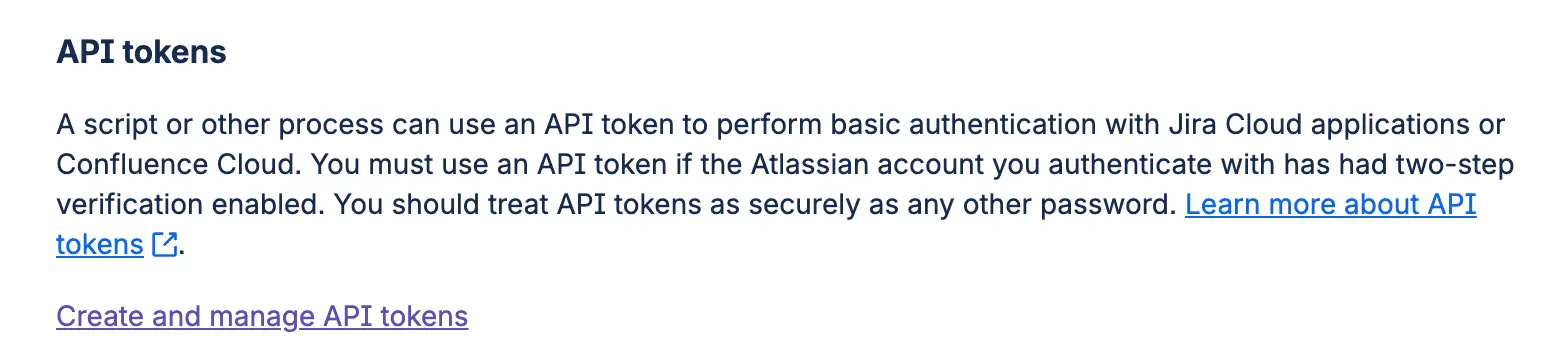
API token manager - 08.A3
Atlassian // Create the matching token type.
Choose standard or scoped, use the same authentication type in Agent Barn, add a name and expiration, then copy the value.
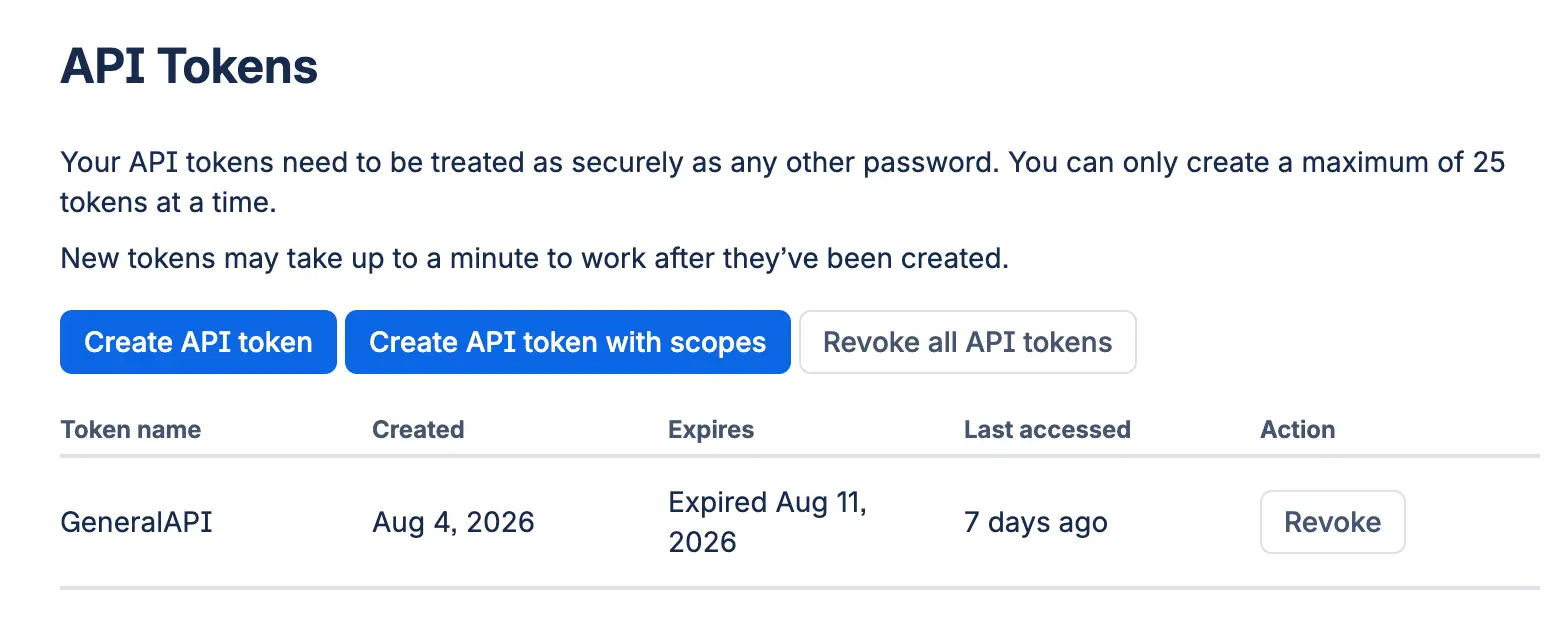
Choose token type 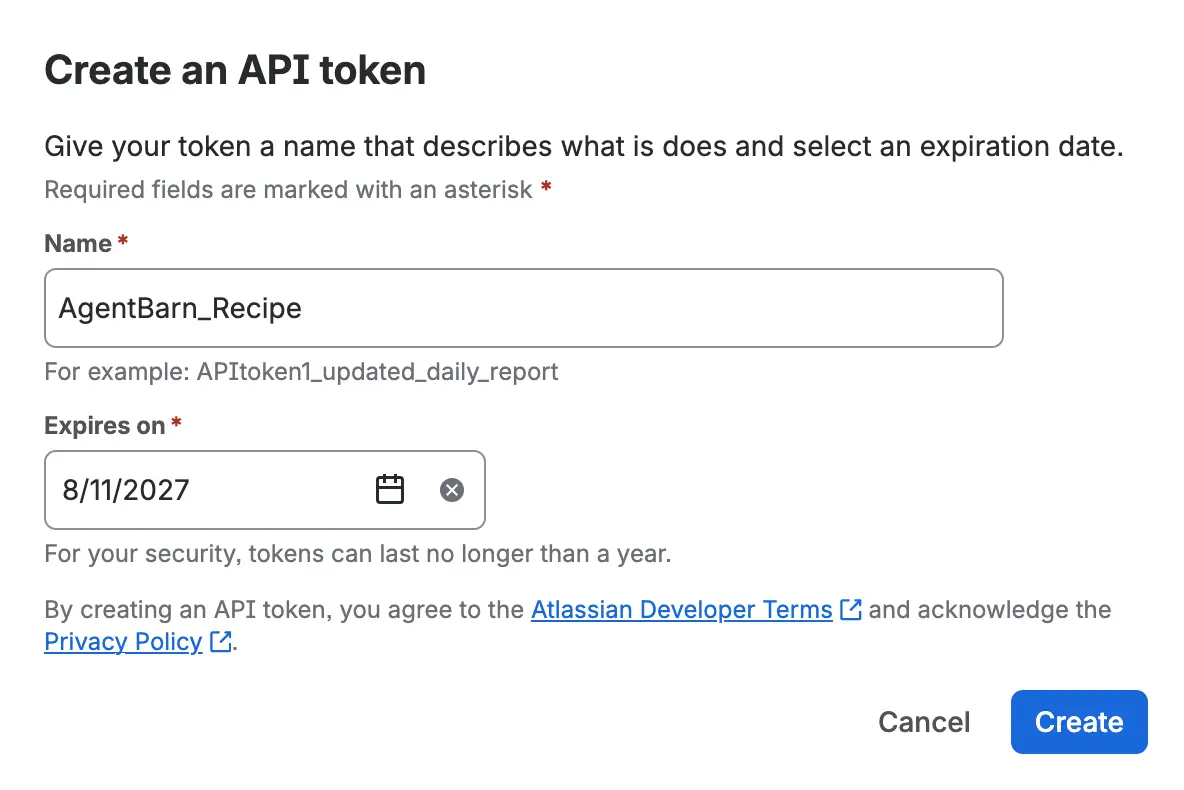
Name · expiration · create - 08.A4
Atlassian // Complete the credential.
SITE URLAtlassian site origin.
AUTHENTICATION TYPEMatch the token type.
EMAILAtlassian account email.
API TOKENCopied token value.
- 08.A5
Atlassian // Validate the product boundary.
Test one permitted Jira project or Confluence space for every connected product, then confirm a location outside the configured boundary remains unavailable.
- 08.Z
Test every selected integration.
Run one expected action for each skill and confirm resources outside the selected boundary remain unavailable.
Verify the complete recipe.
- The existing Slack app connects with both Slack values.
- The app responds in an allowed channel.
- A destination outside the selected access rule receives no response.
- Each required integration completes one representative task.
- The command-approval and response-detail choices behave as selected.
- The configured trigger runs: A scheduled ceremony, configured work-item change, or stand-up window.
- The result follows Collect updates → Track blockers → Prepare summary → Keep moving.
- The review rule is applied: Keep the agent focused on coordination and summaries; the team retains ownership of commitments, priorities, and delivery decisions.
Scrum Master is ready for a controlled pilot.
Start with a narrow audience and reversible work, then widen access after observing representative tasks.
Return to recipes →