Select the existing app.
- 01.1
Open Slack API → Your Apps.
Sign in at api.slack.com/apps ↗.
- 01.2
Select the app and workspace.
Open the app that should run PR Reviewer. Confirm the workspace before changing its manifest.
Apply the recipe manifest.
The name and description are already set for PR Reviewer.
- 02.1
Open Features → App Manifest.
Choose App Manifest and select the JSON tab.
- 02.2
Back up the current manifest.
Copy the existing JSON to a secure working document before changing it so workspace-specific settings can be preserved or restored.
- 02.3
Replace or merge the configuration.
Copy the manifest below. Merge it when the existing app has settings your team still needs.
- 02.4
Save the manifest.
Review Slack's change summary, then click Save Changes.
{
  "display_information": {
    "name": "AgentBarn_PR_Reviewer",
    "description": "Reviews pull requests for correctness, clarity, and style, then prepares suggestions for human review.",
    "background_color": "#CC4400"
  },
  "features": {
    "app_home": {
      "home_tab_enabled": false,
      "messages_tab_enabled": true,
      "messages_tab_read_only_enabled": false
    },
    "bot_user": {
      "display_name": "AgentBarn_PR_Reviewer",
      "always_online": true
    }
  },
  "oauth_config": {
    "scopes": {
      "bot": [
        "app_mentions:read",
        "canvases:read",
        "canvases:write",
        "channels:history",
        "channels:join",
        "channels:read",
        "chat:write",
        "chat:write.customize",
        "chat:write.public",
        "emoji:read",
        "files:read",
        "files:write",
        "groups:history",
        "groups:read",
        "im:history",
        "im:read",
        "im:write",
        "mpim:history",
        "mpim:read",
        "mpim:write",
        "pins:read",
        "pins:write",
        "reactions:read",
        "reactions:write",
        "search:read.users",
        "users:read",
        "users:read.email"
      ]
    },
    "pkce_enabled": false
  },
  "settings": {
    "event_subscriptions": {
      "bot_events": [
        "app_mention",
        "channel_rename",
        "member_joined_channel",
        "member_left_channel",
        "message.channels",
        "message.groups",
        "message.im",
        "message.mpim",
        "pin_added",
        "pin_removed",
        "reaction_added",
        "reaction_removed"
      ]
    },
    "interactivity": {
      "is_enabled": true
    },
    "org_deploy_enabled": false,
    "socket_mode_enabled": true,
    "token_rotation_enabled": false,
    "is_mcp_enabled": false
  }
}Create the app-level token.
- 03.1
Open Basic Information → App-Level Tokens.
Click Generate Token and Scopes.
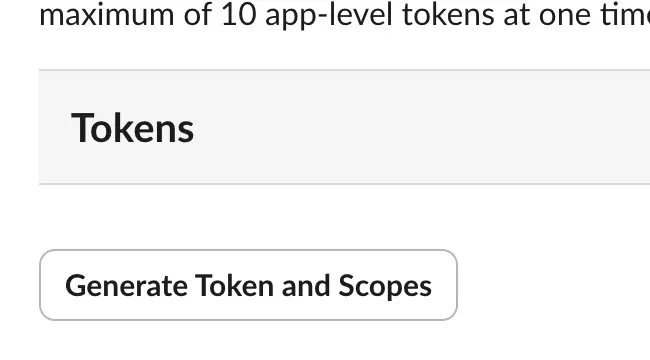
Generate Token and Scopes. - 03.2
Name the token and add the scope.
Use
AgentBarn_PR_Reviewer, addconnections:write, and click Generate.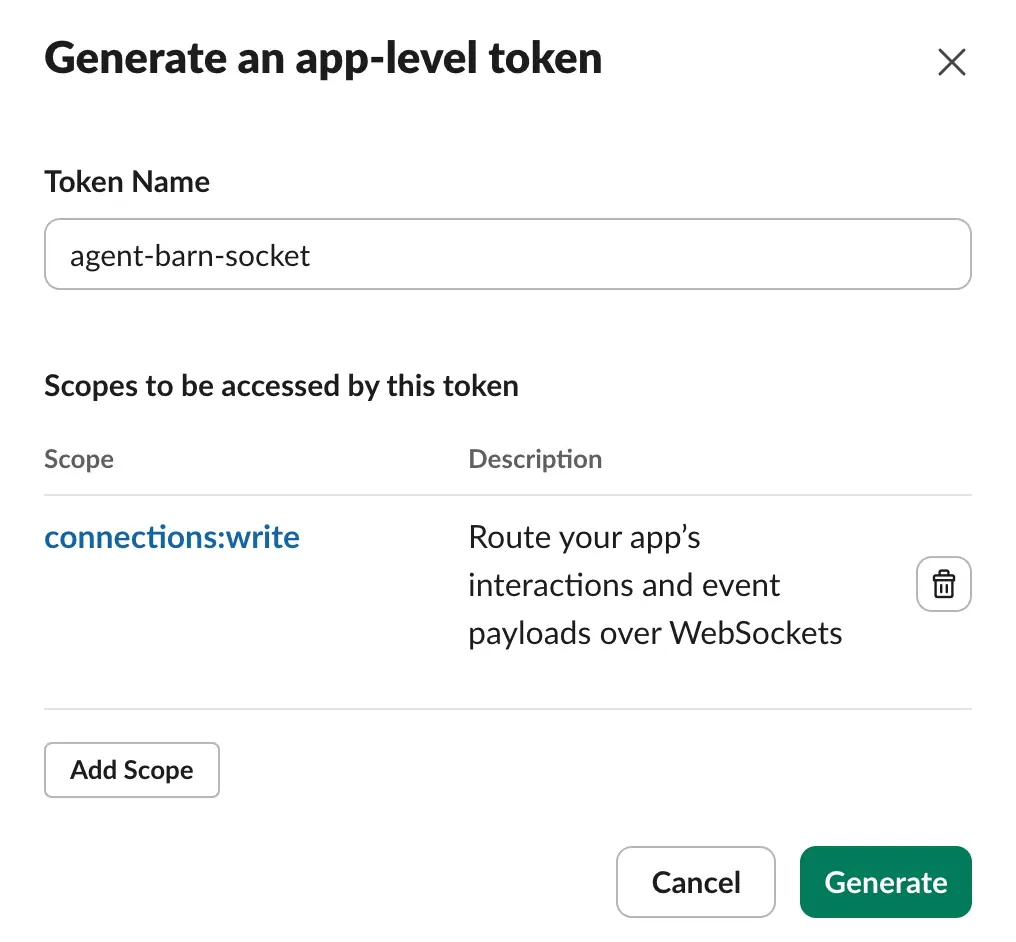
Name → connections:write → Generate. - 03.3
Copy the
xapp-value.Keep it ready for the Agent Barn App-level token field.
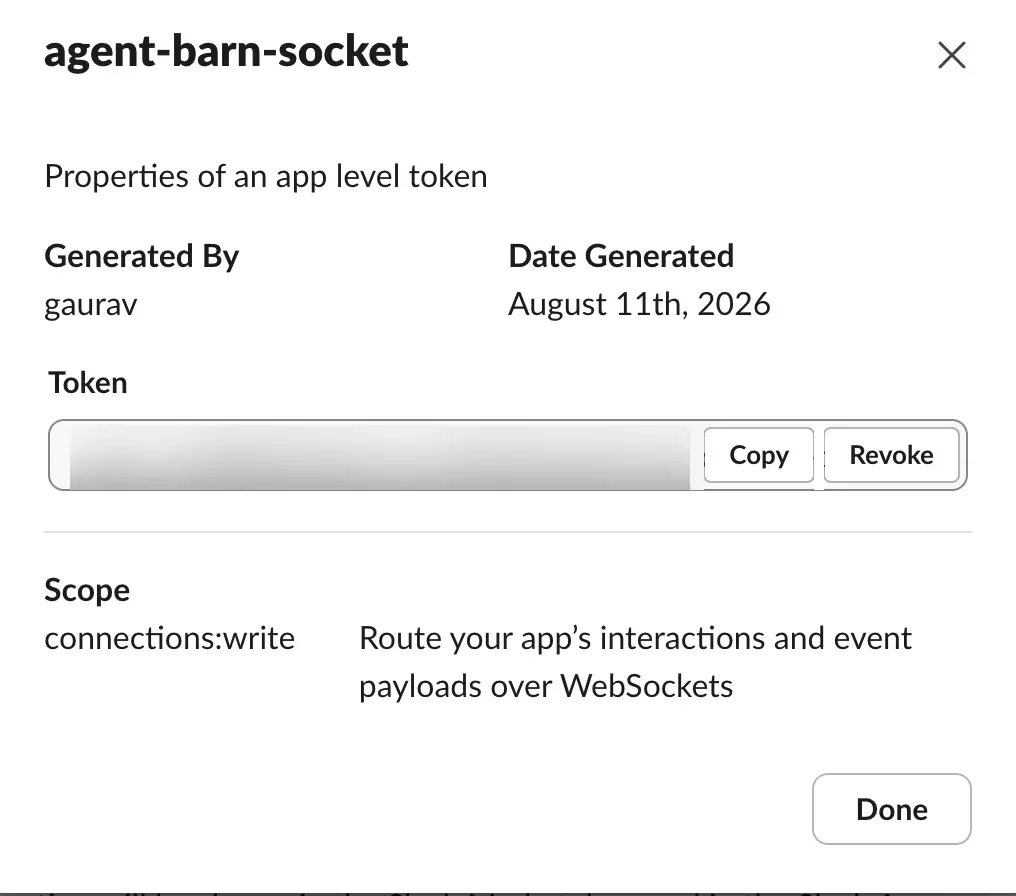
The value is blurred; use Copy.
Install the app and copy the bot token.
- 04.1
Open Install App.
Click Install to [your workspace].
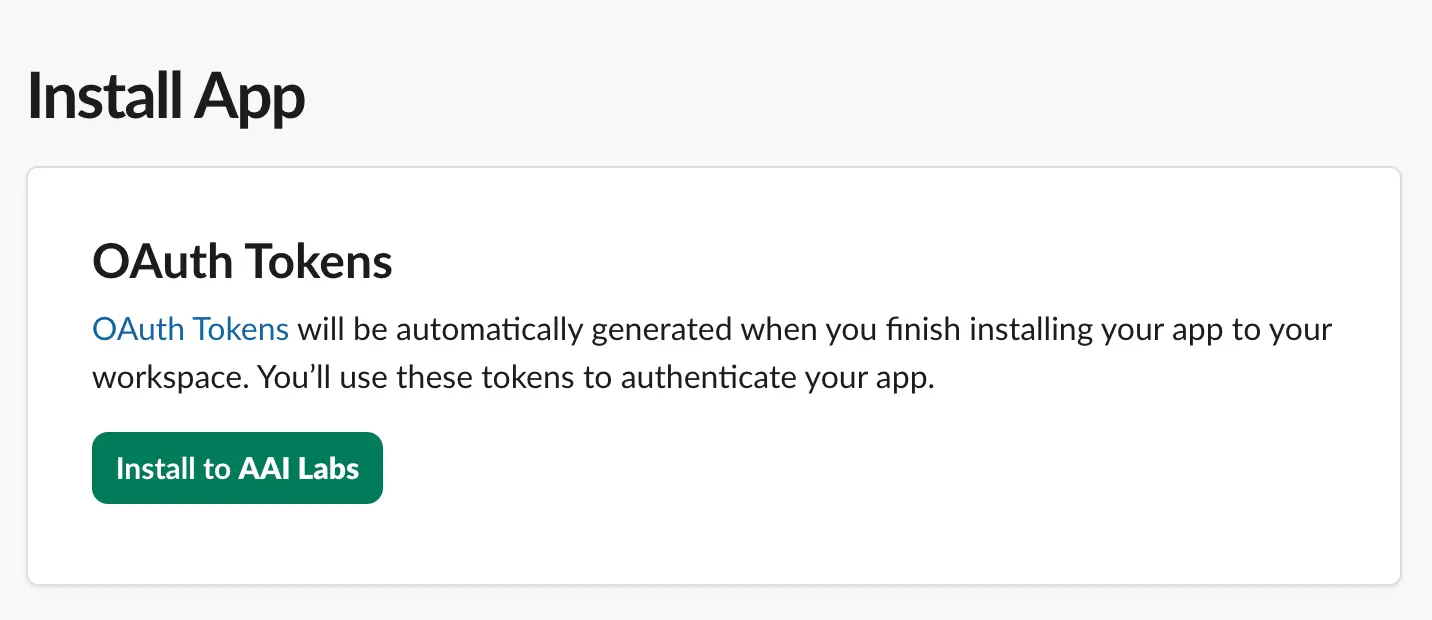
Install App → Install to workspace. - 04.2
Review the workspace and permissions.
Confirm the workspace, review the requested access, and choose Allow.
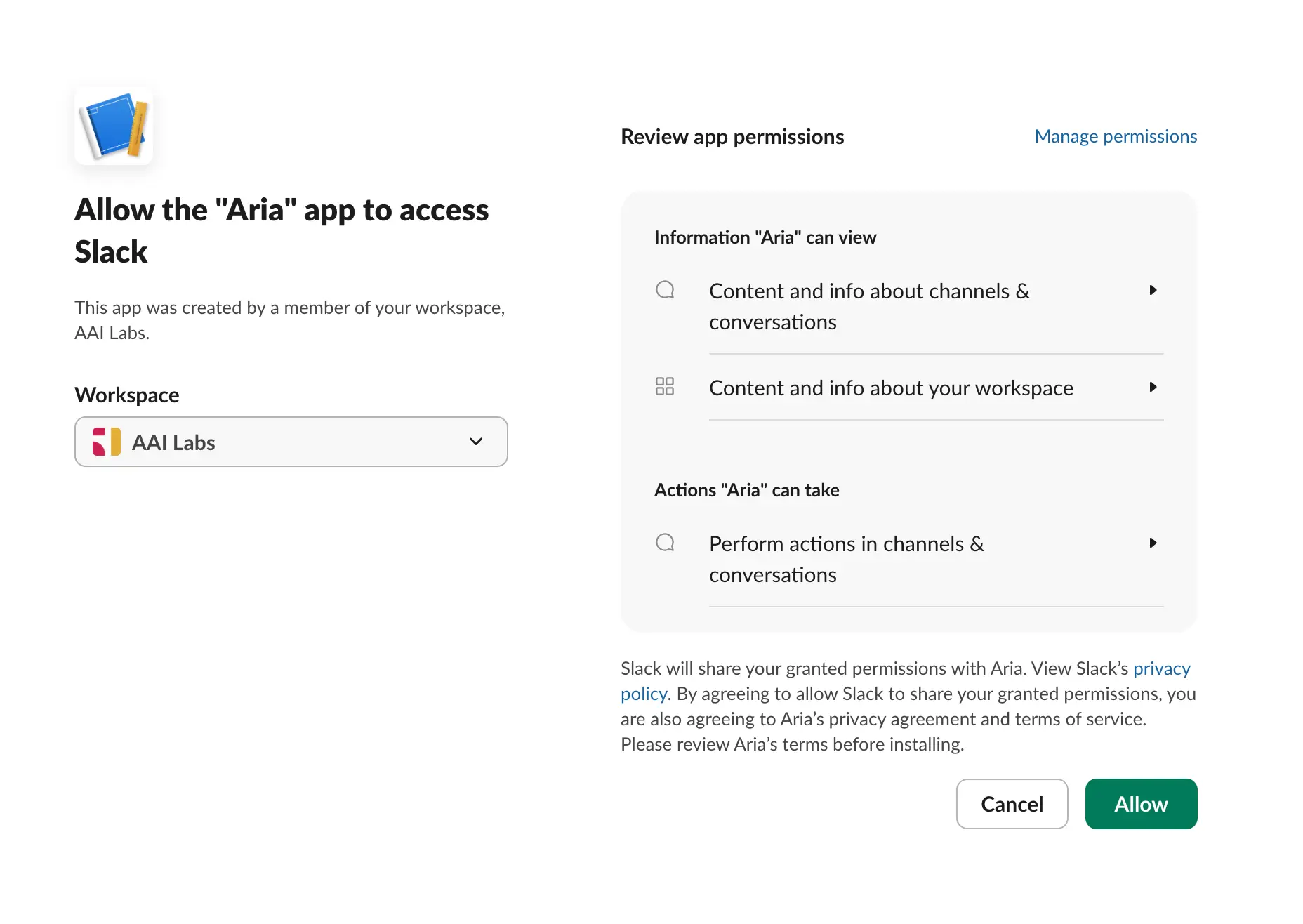
Confirm workspace → review access → Allow. - 04.3
Copy the Bot User OAuth Token.
In Installed App Settings → OAuth Tokens, copy the
xoxb-value.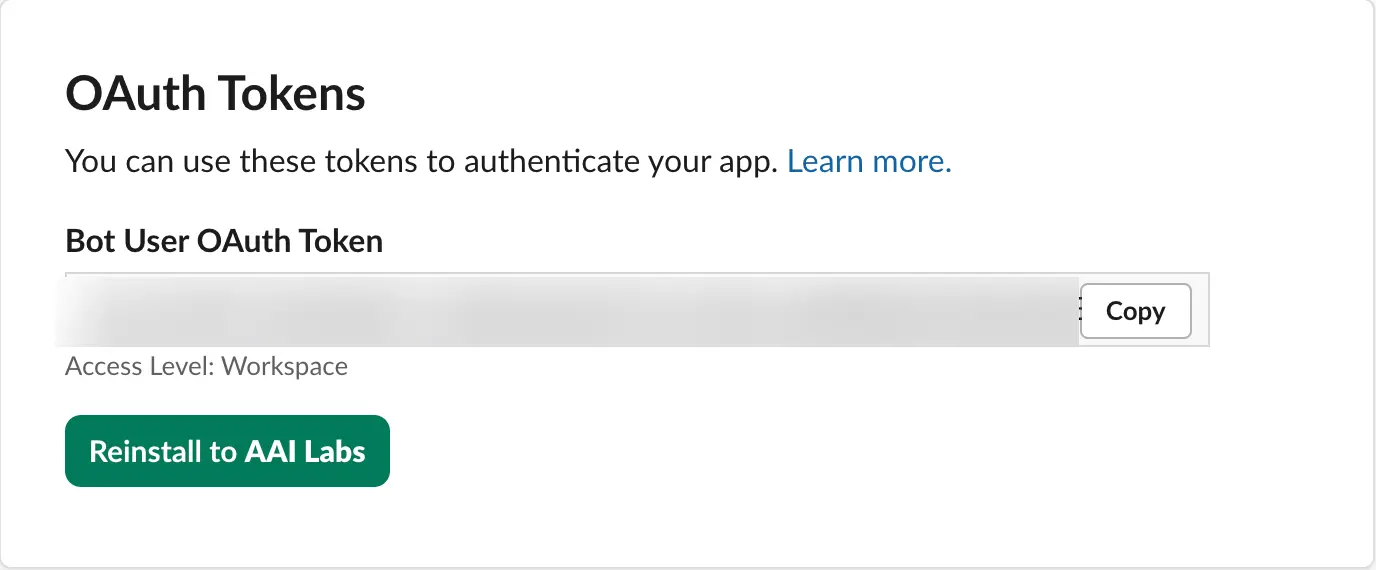
Bot User OAuth Token → Copy.
Connect both Slack values.
xapp-…Paste the value from App-Level Tokens.
xoxb-…Paste the Bot User OAuth Token.
- 05.1
Enter the values in their matching fields.
Paste the complete
xapp-andxoxb-values, then save. - 05.2
Confirm the connected app.
Check that Agent Barn resolves the expected Slack app and workspace.
Configure the agent.
- 06.1
Name the agent.
Use
AgentBarn_PR_Reviewer, or another role-specific name your team will recognize. - 06.2
Select and test the model.
Choose an available model, then run one representative PR Reviewer task before connecting broader access.
- 06.3
Choose command approval.

Auto · Manual · Off Auto Runs low-risk commands automatically.
Manual Asks before every command.
Off Runs without approval prompts.
- 06.4
Choose response detail.

Verbose · Concise Verbose Shows progress while working.
Concise Returns the result without step narration.
- 06.5
Configure the recipe trigger and workflow.
Trigger: A pull request is opened or updated in a connected repository.
- 06.6
Apply the recipe requirements and review rule.
TemplateThe team’s review criteria, conventions, and instructions.
SkillsGitHub or Bitbucket access scoped to the intended repositories.
ChannelsA Slack destination for review updates and questions.
Set Slack access rules.
- 07.1
Choose channel access.

Allowlist · Open Allowlist Respond only in channels you add.
Open Respond in any channel the app can reach.
- 07.2
Choose direct-message access.

Off · Allowlist · Open Off Ignore direct messages.
Allowlist Reply only to approved people.
Open Reply to anyone who can reach the app.
- 07.3
Add and test the intended destinations.
Invite the Slack app to each allowed channel, add the same channels or people in Agent Barn, and send one test request.
Connect the skills for PR Reviewer.
GitHub or Bitbucket
Read pull-request metadata and diffs, then publish review suggestions when allowed.
- Credential
- A GitHub App or Bitbucket access token restricted to reviewed repositories.
- Permissions
- Repository metadata: read · Pull requests and diffs: read · Review comments: write · Merge and administration: no access
- Choose the provider and repositories in scope.
- Install read permissions first, then add review-comment access if needed.
- Trigger on opened, reopened, or updated pull requests, not merge or administration events.
- 08.1
Select only this recipe’s integrations.
Keep required skills. Where a card says “choose one,” connect the provider that owns the relevant data.
- 08.S1
Source control // Choose GitHub or Bitbucket.
Read pull-request metadata and diffs, then publish review suggestions when allowed.
- 08.G1
GitHub // Create a Classic PAT.
Open Personal access tokens ↗, choose Tokens (classic) → Generate new token, set a note and expiration, then select
repo,read:org, andread:user. - 08.G2
GitHub // Copy and map the credential.

The token is blurred; use the copy control. 
Owner / Org is before the slash. - 08.G3
GitHub // Restrict and validate repositories.
Add every permitted repository explicitly. The Classic PAT
reposcope is broad, so test one repository in the configured list and confirm a repository outside the configured list remains unavailable. - 08.B1
Bitbucket // Create a scoped API token.
Open Account settings → Security → Create and manage API tokens, choose Bitbucket, and add read access for user, workspace, repository, and pull requests, plus pull-request write access for review comments.
WORKSPACEWorkspace ID.
REPOSITORIESPermitted names.
EMAILAtlassian account email.
API TOKENBitbucket-scoped value.
- 08.B2
Bitbucket // Restrict and validate repositories.
Add every permitted repository explicitly. Test one repository in the list and confirm a repository outside the configured list remains unavailable; verify pull-request write access only when this recipe posts review comments.
- 08.Z
Test every selected integration.
Run one expected action for each skill and confirm resources outside the selected boundary remain unavailable.
Verify the complete recipe.
- The existing Slack app connects with both Slack values.
- The app responds in an allowed channel.
- A destination outside the selected access rule receives no response.
- Each required integration completes one representative task.
- The command-approval and response-detail choices behave as selected.
- The configured trigger runs: A pull request is opened or updated in a connected repository.
- The result follows Inspect change → Assess quality → Prepare feedback → Hand off.
- The review rule is applied: Treat comments as review suggestions, not approval to merge or deploy code without the team’s established controls.
PR Reviewer is ready for a controlled pilot.
Start with a narrow audience and reversible work, then widen access after observing representative tasks.
Return to recipes →